Shape exploration
Use the workflow to investigate silhouettes, proportions, and object structure before committing to a detailed production asset.
Model guide
The pixal3d model is best understood as a 3D creation workflow that turns visual direction into a model or scene for further review and refinement. This guide explains the idea without assuming specialist knowledge.
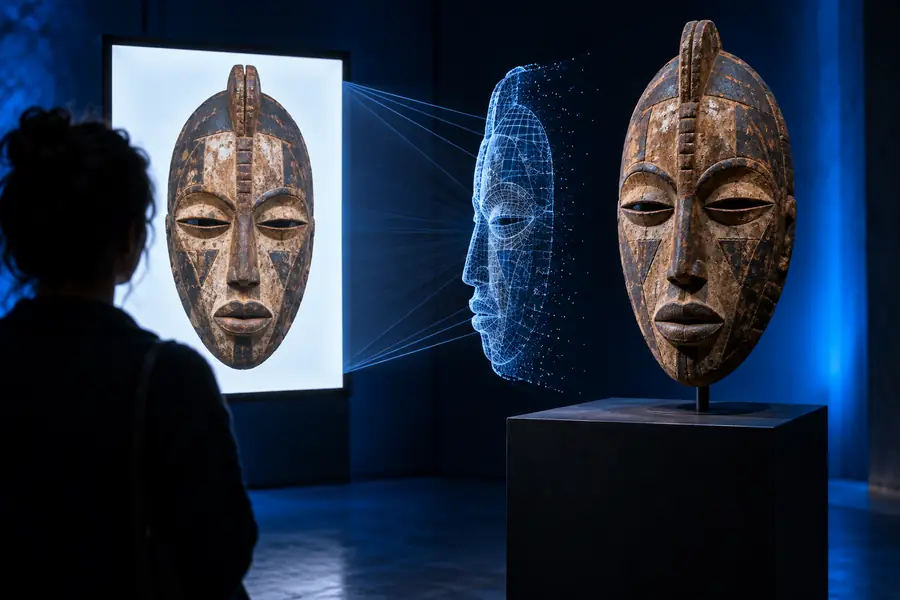
These are the core points to keep in mind before you examine the workflow in detail.
The process is easier to understand as a sequence: define the subject, create a first representation, then inspect and refine the result.
Start with a concrete description of the object, character, environment, or visual style you want to explore. References and constraints make the direction easier to interpret.
The model uses the supplied direction to produce a 3D-oriented result that can be viewed as a starting point for concept development, layout, or further asset work.
Check shape, proportions, materials, topology, and compatibility with the destination workflow. Revise the source direction or continue editing where the first result falls short.
Choose the next page according to the part of the pixal3d ecosystem you want to understand.
A useful definition includes both the intended strengths of a 3D model workflow and the judgment it leaves to the person using it.
Use the workflow to investigate silhouettes, proportions, and object structure before committing to a detailed production asset.
A first result can shorten the distance between an idea and a visible 3D reference, making it easier to compare directions.
A model or scene gives teams a shared object to inspect when discussing design intent, composition, or presentation.
The output is a starting point for decisions about topology, materials, scale, rigging, lighting, and export rather than a substitute for them.
Good inputs do not guarantee a perfect result, but they make the workflow easier to evaluate and refine.
A clearly defined subject or scene with the main visual goal stated — Name the object, setting, viewpoint, and important design traits.
Reference images or visual examples when appearance mattersoptional — References help communicate proportions, materials, and style.
A destination use case such as concepting, review, presentation, or asset preparation — The right quality standard depends on what happens after generation.
Time for inspection and correction after the first result — Check geometry and visual accuracy before treating the result as final.
A compatible 3D tool for downstream editing when changes are requiredoptional — Editing may be necessary for topology, materials, scale, or scene setup.
The contrast is not simply empty input versus finished production asset. It is a shift from an idea that is hard to inspect to a 3D reference that can be evaluated.
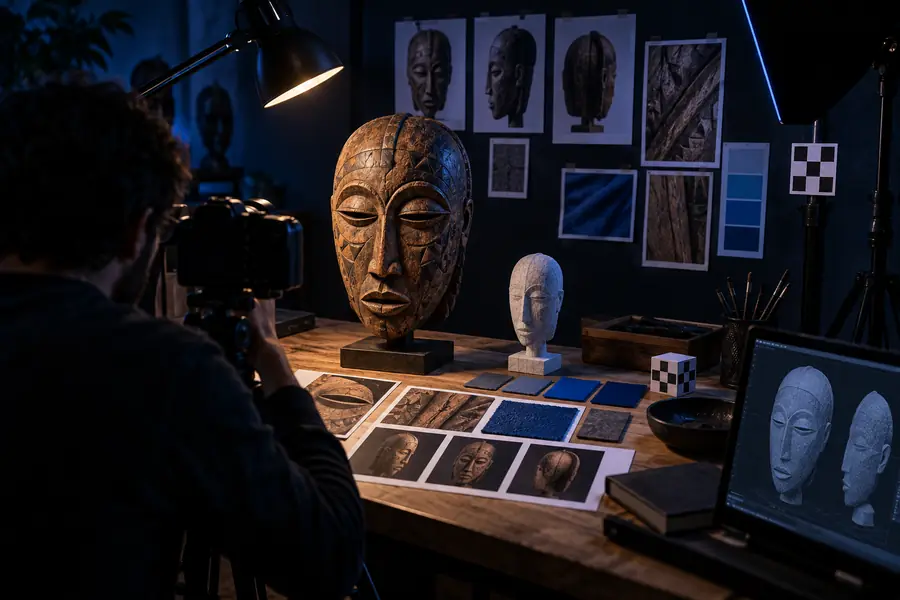
The second stage still needs review before production use.
Direction3D referenceThe format has a practical progression: each stage adds information that makes the result easier to inspect, adapt, or pass to another tool.
The process begins with a subject, a purpose, and a set of visual constraints. This establishes what the result is meant to communicate.
Images, sketches, examples, and written details provide additional signals for appearance, proportions, materials, and context.
The workflow turns that direction into a 3D-oriented result that can be viewed from a more useful perspective than a flat description alone.
The user checks whether the form, details, and overall read match the intended subject, identifying gaps that need correction.
The result moves into editing, presentation, or another 3D workflow, depending on the final purpose and the level of accuracy required.
pixal3d is easiest to evaluate when you give it a specific subject and a defined reason for creating the model. Use the first result as a visual reference, then decide what needs refinement before it moves into a larger project.
Answers to common questions about the pixal3d model and its role in a 3D workflow.
The pixal3d model refers to a 3D-oriented workflow for turning visual direction into a model or scene reference. It is most useful as a starting point for exploration, communication, and refinement.
pixal3d is presented in the context of AI-assisted 3D creation, but the exact capabilities depend on the implementation and workflow available to you. Treat its result as something to inspect rather than assuming every output is production-ready.
It can support the creation or exploration of 3D objects, characters, environments, and other visual concepts. The quality and usefulness of a result depend on the subject, references, instructions, and the intended downstream use.
No. It can accelerate ideation and provide a model reference, but artists still make important decisions about design, topology, materials, scale, rigging, lighting, and final delivery. Human review remains necessary when accuracy or production quality matters.
It can be useful to designers, 3D artists, developers, educators, researchers, and teams that need a visual starting point. The best fit is anyone who benefits from examining a 3D idea earlier in the creative process.